 Live Webcams in San Francisco
Explore live streaming views from San Francisco, . Check current weather conditions, traffic, and beautiful local spots.
Latest Cameras
24 streams found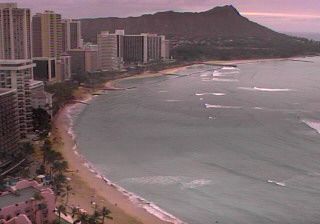


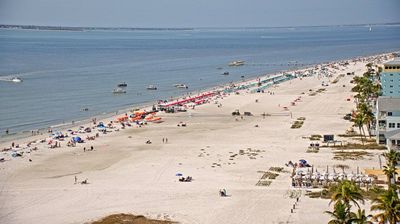
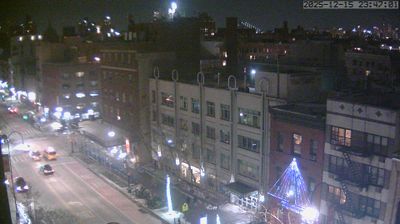
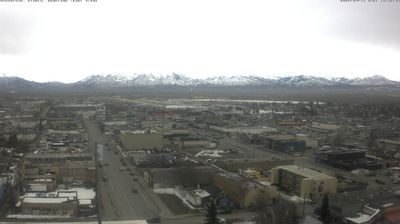
Virtual Travel to San Francisco
Whether you are planning a real-world visit or just digital globe-trotting, the live webcams in San Francisco offer an unfiltered glimpse into daily life. Watch the sunrise, check the local traffic before your commute, or simply enjoy the urban and natural landscapes that make this location unique. Bookmark this page to easily return and check the live weather conditions anytime.
About San Francisco (Kalifornia)
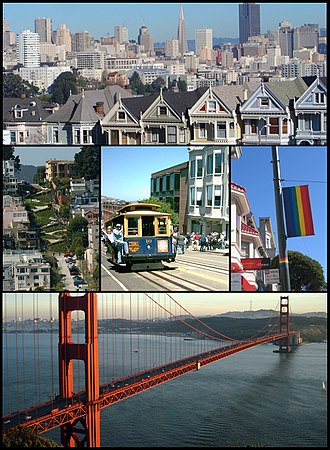
San Francisco hivatalosan San Francisco város és megye a kaliforniai San Francisco Bay Area régió pénzügyi, kulturális és közlekedési központja, ahol 7 800 000 ember él, de ebbe San Jose és Oakland is beleértendő. Az egyetlen összevont városi megye Kaliforniában, amely magában foglalja a szárazföldi területet, ami 121 négyzetkilométer, a San Francisco-félsziget északi részén, ahol a népsűrűség 6632 fő/km². Ez a legsűrűbben lakott nagyváros az államban, és az Amerikai Egyesült Államokban New York után a második. San Francisco Kalifornia negyedik legnagyobb, a 2010-es népszámlálás szerint az USA tizenharmadik legnépesebb városa.
📖 Read more on Wikipedia