Szmolenszk

Flag of Oroszország Szmolenszk, Oroszország

Szmolenszk, Oroszország
New (0)
Real-Time Environment
Loading...
Fetching weather km/h
--:--
Loading date...

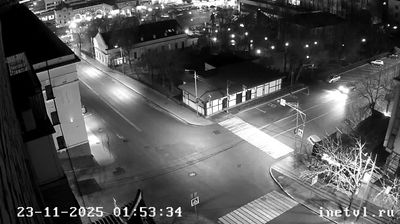
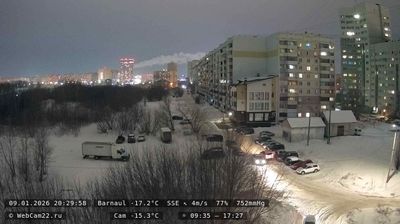
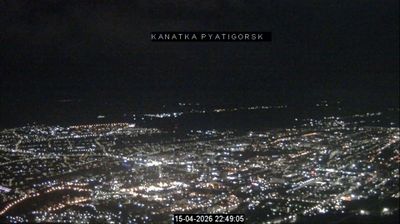
Welcome to the live streaming webcam for Szmolenszk, perfectly situated in the vibrant region of Szmolenszk, Oroszország. Watching this live camera allows you to instantly experience the local atmosphere and monitor current climate conditions.


Szmolenszk

About Szmolenszk

Szmolenszk város Oroszországban, a Dnyeper folyó partján, Moszkvától 360 kilométerre nyugat-délnyugatra. A Szmolenszki terület közigazgatási központja. Az egyik legrégibb orosz város. Hosszú története során a várost többször is elpusztították. Napóleon és Adolf Hitler hódító hadseregeinek is útjába esett. Ma elektronikai, textil- és élelmiszer-feldolgozó iparáról ismert.

📖 Read more on Wikipedia
📍 Location Facts
  • Country Flag Oroszország
  • Region Szmolenszki terület
  • City Szmolenszk
  • Coordinates 54.7822°N, 32.0444°E

Have you been to Szmolenszk?

Help the community! Share your experience, tell us about the weather, or upload your own photos from this exact location.
Interests Folyó
Added: Jul 24, 2026 Updated: Live

Explore other categories in Oroszország


More Webcams in Oroszország

Frequently Asked Questions

Webcam.beer is a premium global directory of live streaming webcams. We curate and index thousands of real-time cameras from around the world, allowing you to instantly check weather conditions, explore famous tourist spots, view city traffic, and discover beautiful landscapes all in one place.

Yes! The vast majority of the cameras in our network are real-time, live video streams. Some remote or scientific cameras may provide frequently updated high-resolution imagery due to bandwidth constraints in those specific locations.

Absolutely. Browsing, watching, and exploring the webcams on our platform is 100% free. You do not need to pay or create an account to view the live streams.

We love community contributions! You can easily submit a live stream by clicking the 'Add Cam' button in the main menu. Once submitted, our moderation team will review the camera to ensure it meets our quality and safety guidelines before it goes live on the platform.