Trieszt › Délkelet
 Trieszt, Olaszország
Real-Time Environment
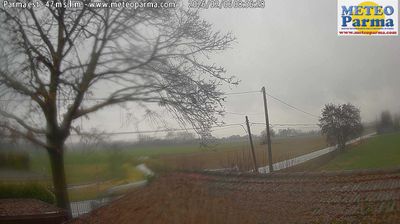
Welcome to the live streaming webcam for Trieszt › Délkelet, perfectly situated in the vibrant region of Trieszt, Olaszország. Watching this live camera allows you to instantly experience the local atmosphere and monitor current climate conditions.

About Trieszt
Trieszt kikötőváros Észak-Olaszországban, az Adriai-tenger és Szlovénia között, ez utóbbi a várostól közvetlenül délre és keletre található. A város környéke a történelem során latin, szláv és germán kultúrák találkozási pontja volt. A város Friuli-Venezia Giulia régió közigazgatási székhelye. A város püspöki székhely. Két ismert obszervatórium található itt, a csillagvizsgáló és a geofizikai, amely köré szerveződött az 1924-ben létrejött egyetem is. A város székhelye a kávétermékeiről ismert Illycaffè S.p.A. vállalkozásnak, a Generali Biztosító és az osztrák alapítású Lloyd Triestino hajózási társaságnak.
📖 Read more on Wikipedia📍 Location Facts
-
Country
 Olaszország
- Region Friuli-Venezia Giulia
- City Trieszt
- Coordinates 45.6714°N, 13.8038°E
Have you been to Trieszt?
Help the community! Share your experience, tell us about the weather, or upload your own photos from this exact location.