Dulkadiroglu: Kahramanmaraş
 Dulkadiroglu, Törökország
Real-Time Environment
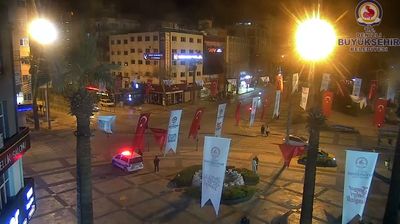
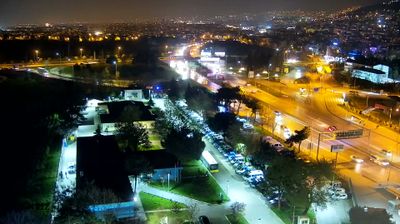
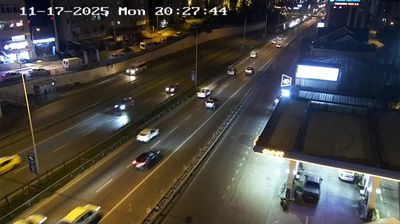
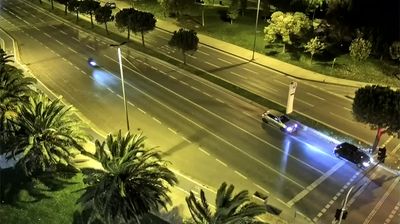
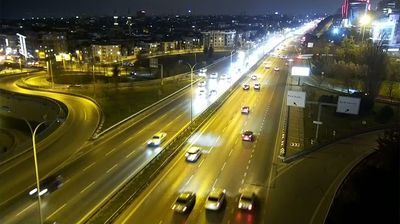
Welcome to the live streaming webcam for Dulkadiroglu: Kahramanmaraş, perfectly situated in the vibrant region of Dulkadiroglu, Törökország. Watching this live camera allows you to instantly experience the local atmosphere and monitor current climate conditions.

About Dulkadiroğlu
Dulkadiroğlu is a municipality and district of Kahramanmaraş Province, Turkey. Its area is 1,176 km2, and its population is 226,409 (2022). The district Dulkadiroğlu was created at the 2013 reorganisation from parts of the former central district of Kahramanmaraş and the district of Pazarcık, along with the new district Onikişubat. It covers the eastern part of the agglomeration of Kahramanmaraş and the adjacent countryside. The name Kahramanmaraş is reserved for the metropolitan municipality.
📖 Read more on Wikipedia📍 Location Facts
-
Country
 Törökország
- Region Kahramanmaras
- City Dulkadiroglu
- Coordinates 37.5778°N, 36.9451°E
Have you been to Dulkadiroglu?
Help the community! Share your experience, tell us about the weather, or upload your own photos from this exact location.