Greymouth › Dél: Greymouth Airport
 Greymouth, Új-Zéland
Real-Time Environment
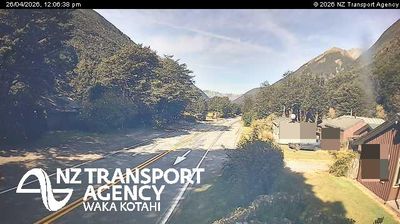
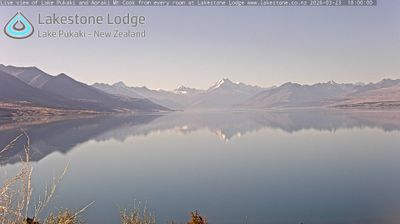
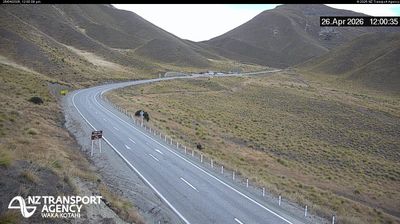
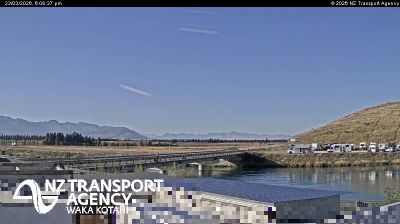
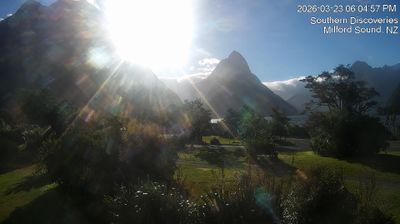
Welcome to the live streaming webcam for Greymouth › Dél: Greymouth Airport, perfectly situated in the vibrant region of Greymouth, Új-Zéland. Watching this live camera allows you to instantly experience the local atmosphere and monitor current climate conditions.

About Greymouth
Greymouth az új-zélandi West Coast régió legnagyobb települése a Déli-sziget nyugati partján, a Grey folyó torkolatában, amint arra a város neve is utal. Közigazgatásilag a Greymouth kerület székhelye. Az egész kerület lakossága 14 100 fő körül van, ami a West Coast régió lakóinak 43%-át teszi ki.Greymouth város lakosságának számát 2021 júniusában 8310 főrre becsülték. A kerület területének nagy 65%-a természetvédelmi terület. Az egykori bányaváros a 21. században a túrázók természetes központja.
📖 Read more on Wikipedia📍 Location Facts
-
Country
 Új-Zéland
- Region West Coast
- City Greymouth
- Coordinates -42.4584°N, 171.1903°E
Have you been to Greymouth?
Help the community! Share your experience, tell us about the weather, or upload your own photos from this exact location.